
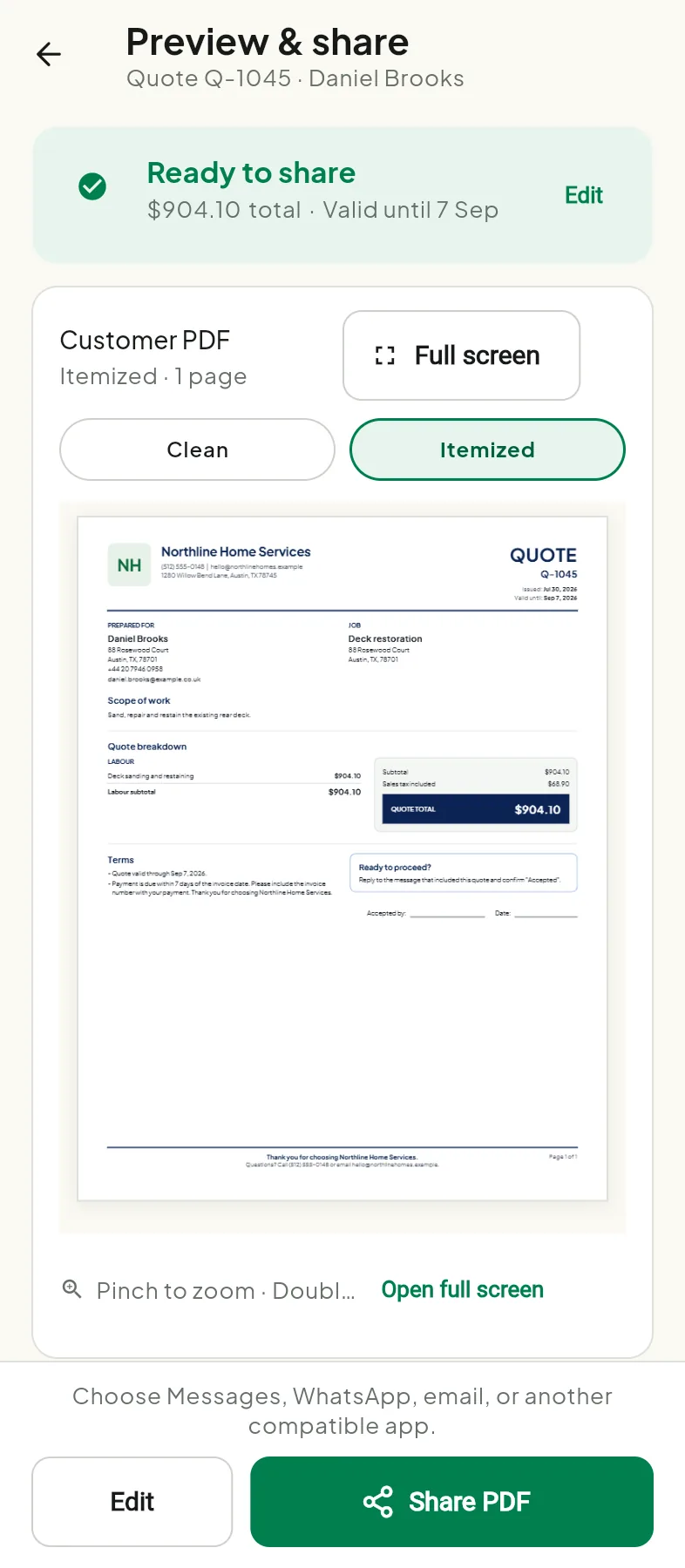
01 · Quote
Send work that looks professional
Keep scope, terms, tax, and the final customer total together in a customer-safe PDF.
Build the job, send a professional PDF, convert accepted work, and see what is still owed — without turning your business into an accounting project.
Or use the free quote templateDraft and preview free. Your first real customer PDF send is free — no card.
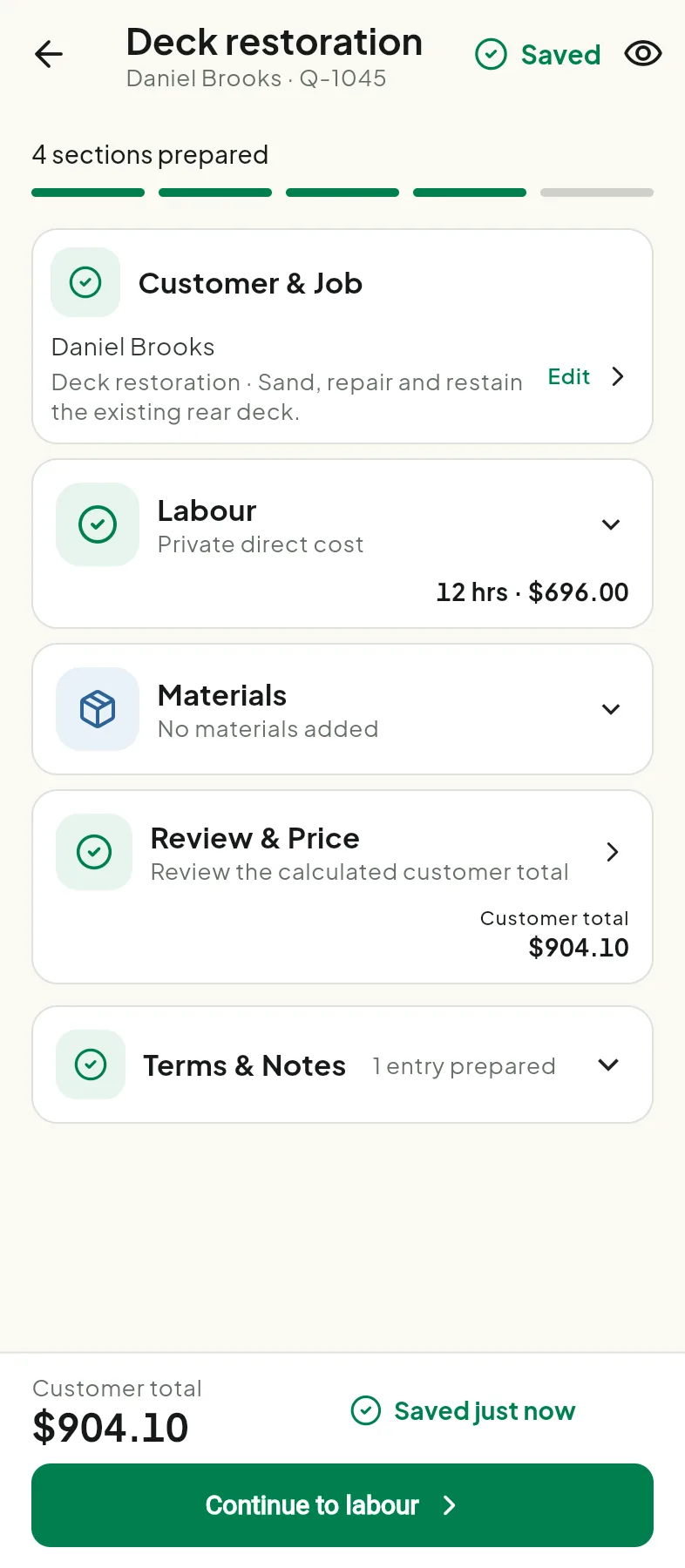
One focused money loop
Tradoc follows the work from customer-ready quote to collected invoice, with no scheduling suite, workforce tools, or bookkeeping maze in the way.
01 · Quote
Keep scope, terms, tax, and the final customer total together in a customer-safe PDF.
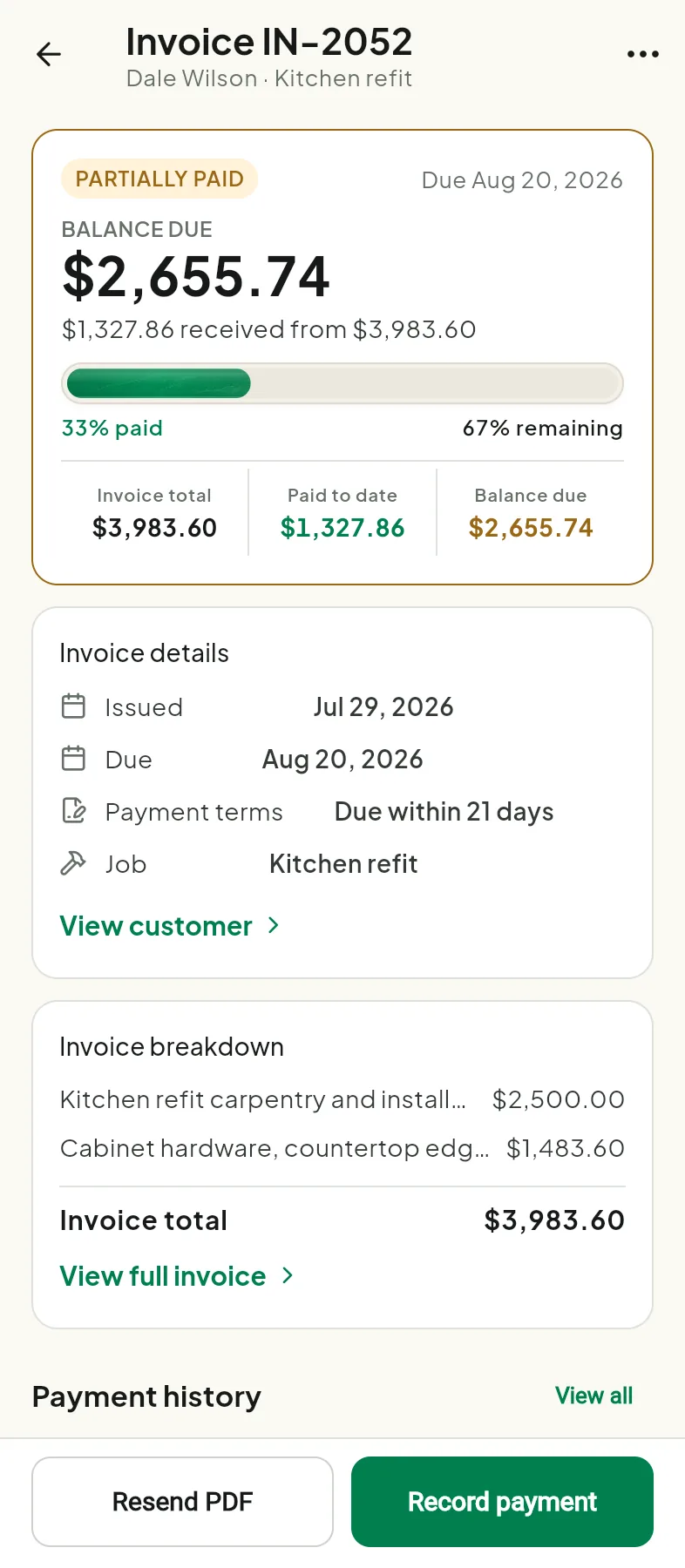
02 · Invoice
Create the invoice from the quote, then keep paid amount and remaining balance visible.
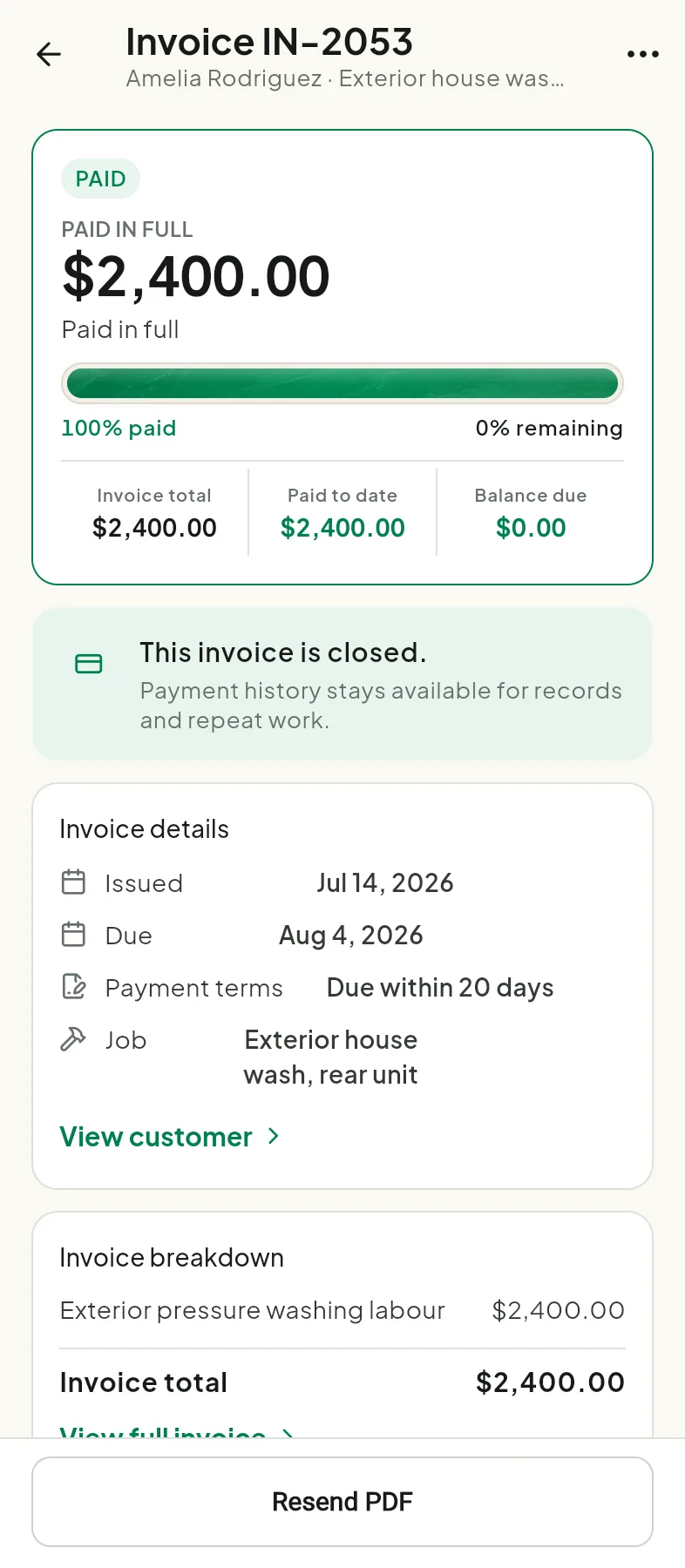
03 · Paid
When the balance reaches zero, the invoice closes while its payment history remains available.
Free resources
Useful contractor paperwork you can use yourself. No account required.
Scope, labour, materials, totals, and terms. Copy it free — no signup.
Get the templateBuild faster
Retyping the same customer, rebuilding the same totals, turning an accepted quote into an invoice by hand, remembering to follow up — it adds up. Tradoc reuses the customer, the job, and the pricing, and keeps a live customer total as you go. Private cost and margin controls stay private.
Getting paid
Partial payments remain visible as outstanding money. Payment reminders use the current balance, and paid or cancelled invoices stop asking for payment.
Business continuity
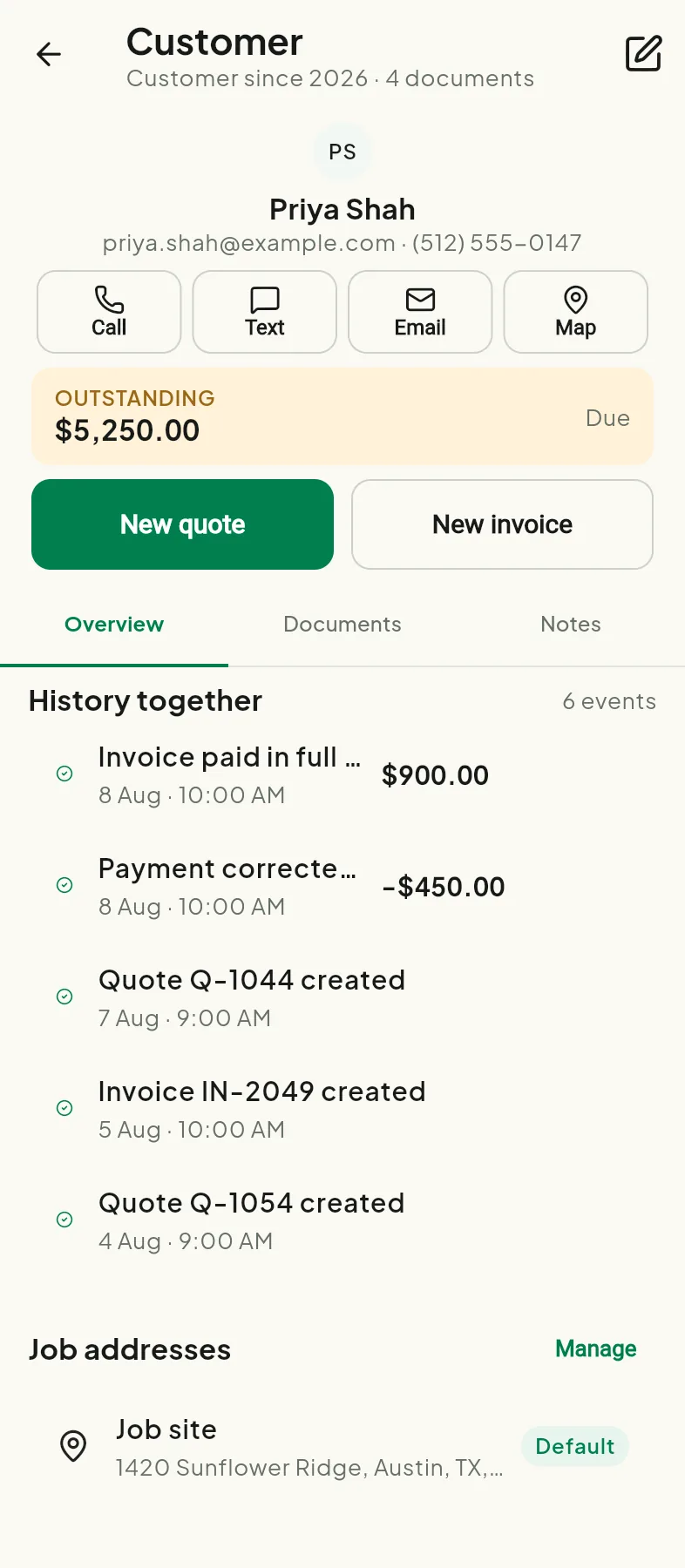
Tradoc is local-first: your working records live on your device. Customer history and reusable work make repeat jobs faster, while portable backup and optional signed-in backup give you explicit recovery choices.
How Tradoc handles dataAccountant-ready export
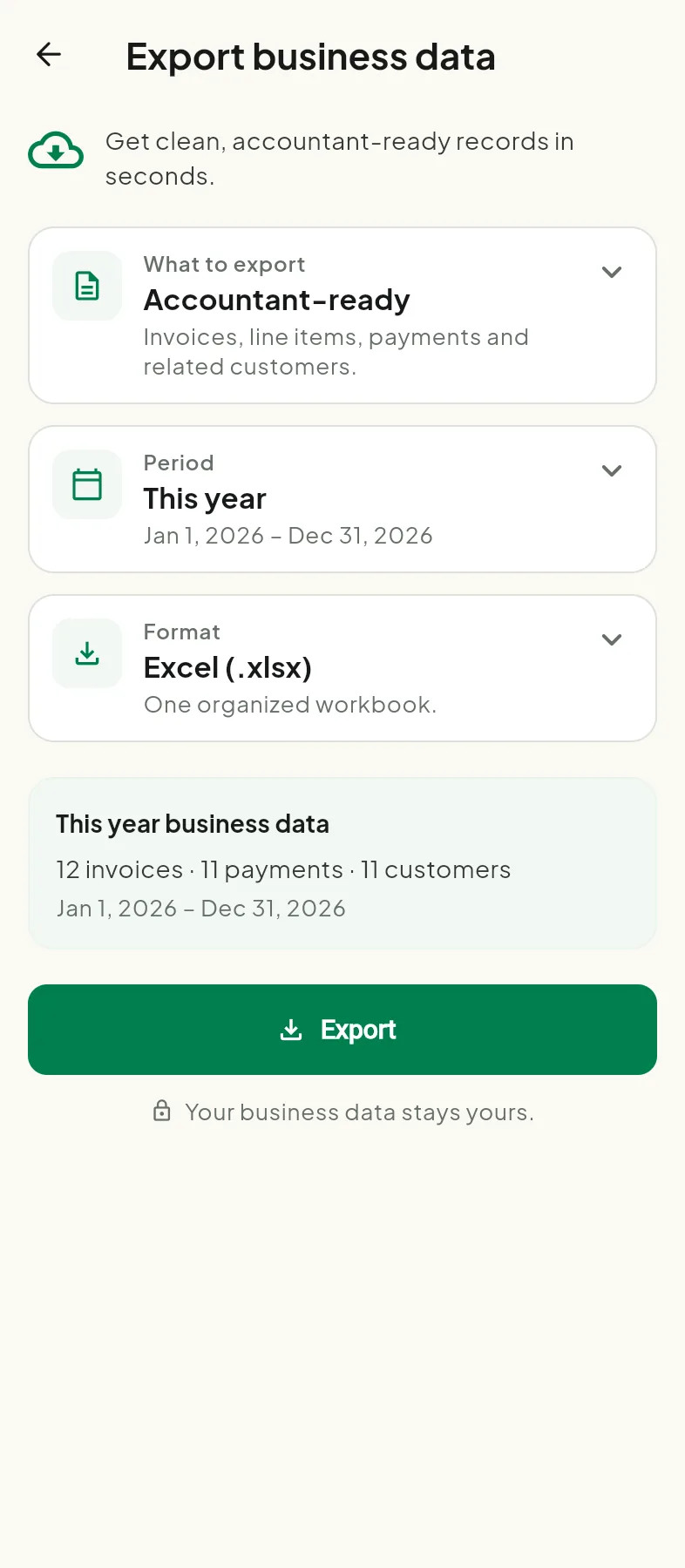
Export invoices, line items, payments, and related customers into an organized Excel workbook or CSV files. Choose a useful period, review what is included, and keep your business data portable.
Free to prove the workflow
Drafting and previewing stay free, and your first real customer PDF send is free — no card. When you need to keep sending, start 14 days of Pro free. Then $14.99/month or $119.99/year. Your store shows the final price before you confirm.
Less admin. Clearer money.
Tradoc keeps the route professional and focused — on Android, or in any browser.